How to Submit the Salary Supplement Online
Step 1
Download and save a copy of the below listed online submission forms found under the Salary Supplement Section located at: Peace Officer Standards & Training Commission Forms & Downloads (Tn.Gov).
Forms:
- Online Submission Only Salary Supplement Agency Request Form
- Online Submission Only Salary Supplement Roster Form
- If prompted, make sure to enable content and Macros when opening the Excel Roster Form.
Step 2
From your Acadis account click on the tab “Academy Resources” and select “Find and Complete webform”.

Step 3
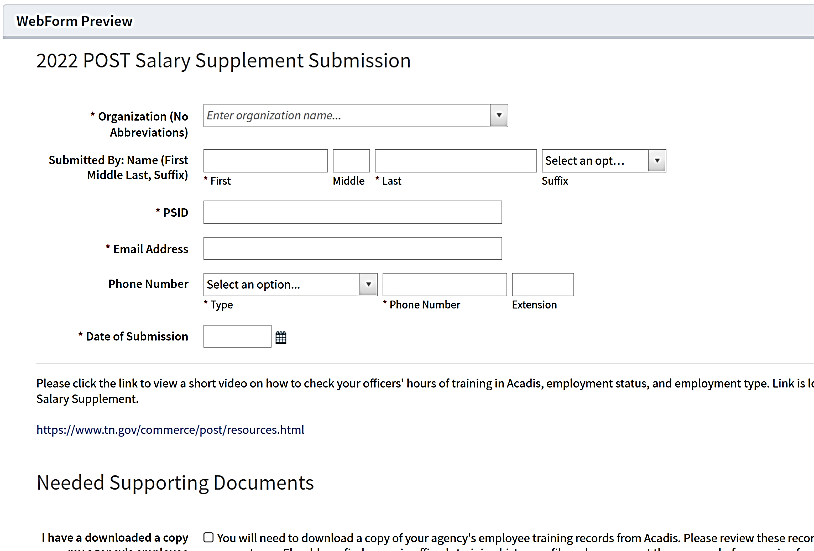
Select the Webform labeled “POST IN-SERVICE SUBMISSION”.

Step 4
Fill out the “POST In-Service Submission” Webform and click Submit.
- Once the webform is submitted, you will receive an email confirmation.
- You will be notified of the next workflow task for you to complete in Acadis. Be sure to login and check your Acadis account.
- You will complete the submission of your salary supplement to POST by completing each workflow task in Acadis.